


Show us your Wraiths and Banshee
- Thread starter count kill alot
- Start date
-
The masquerade of murder returns! A new game of Vampires Amongst Us has begun. Unmask the killers, trust no one, and try to survive the night. Find out more and sign up now!
You are using an out of date browser. It may not display this or other websites correctly.
You should upgrade or use an alternative browser.
You should upgrade or use an alternative browser.


Elbisrever
Ghoul
RE: Show us your Wraith's and Banshee
Awesome logan!! This takes me back to the days when there was no VC or TK, just the Undead! MOst have cost you a bit though, 6 models!
Awesome logan!! This takes me back to the days when there was no VC or TK, just the Undead! MOst have cost you a bit though, 6 models!


RE: Show us your Wraith's and Banshee
They're really awesome! I especially like the blue glow you've given their eyes.. Looks horrifying! The brass cloak-lining and the scythes are really good too! Need a better shot of the blade part though from the tiny bit I can see on this one it seems you've Tamiya clear red'ed them with gore ... and I NEED gore!
They're really awesome! I especially like the blue glow you've given their eyes.. Looks horrifying! The brass cloak-lining and the scythes are really good too! Need a better shot of the blade part though from the tiny bit I can see on this one it seems you've Tamiya clear red'ed them with gore ... and I NEED gore!


RE: Show us your Wraith's and Banshee
Looking good Logan! Simple and elegant.You've really given a fairly drab model tons of character.
Looking good Logan! Simple and elegant.You've really given a fairly drab model tons of character.

RE: Show us your Wraith's and Banshee
I second the praise for the brass lined cowls. Looks great all ranked up, logan.
I second the praise for the brass lined cowls. Looks great all ranked up, logan.
RE: Show us your Wraith's and Banshee
@ Elbisrever - Cheers dude glad you like. I do kinda miss those days
  They didn't cost me that much... £40 I think
@ Bullhax - Thanks dude, I will get a better shot of the weapons tomorrow. Tamiya clear red? of course! the blood effect has been well earnt
@ bigbadbat - Thanks dude,
@ Adam_Barrow - Cheers dude,only thing is I wished I had put a little more variety into into he poses, still I'm happy with them.
@ Elbisrever - Cheers dude
glad you like. I do kinda miss those days They didn't cost me that much... £40 I think @ Bullhax - Thanks dude, I will get a better shot of the weapons tomorrow. Tamiya clear red? of course! the blood effect has been well earnt
@ bigbadbat - Thanks dude,
@ Adam_Barrow - Cheers dude,only thing is I wished I had put a little more variety into into he poses, still I'm happy with them.

Burnanation
Crypt Horror


RE: Show us your Wraith's and Banshee
Loving the unit of death there Logan, the slight difference in the arm position and turn to the models really helps to split them up.
Loving the unit of death there Logan, the slight difference in the arm position and turn to the models really helps to split them up.
Dibidoolandas
Zombie
RE: Show us your Wraith's and Banshee
Sry, I didn't see this until just now! In case you're still wondering, I undercoated in white and started off with a base of a pretty equal mix hawk turquoise and scorpion green. Then I just went over the entire model with highlights of progressively mixing in more and more skull white to the turquoise/green each time. I think by the end I'd probably done 5 - 6 levels of highlights. Hope that helps! Everyone's Banshee's look awesome. Love that light-up eye conversion!
vmoore said:Care to share how you painted that gorgeous banshee Dibidoolandas ??
Sry, I didn't see this until just now! In case you're still wondering, I undercoated in white and started off with a base of a pretty equal mix hawk turquoise and scorpion green. Then I just went over the entire model with highlights of progressively mixing in more and more skull white to the turquoise/green each time. I think by the end I'd probably done 5 - 6 levels of highlights. Hope that helps! Everyone's Banshee's look awesome. Love that light-up eye conversion!
abhorash_chile
Black Knight
First, I want to give my thanks to Seth. His technique inspired me to retake my brushes and give some love to my vampire counts after a lot of time without painting anything for them.
My banshees and wraiths:

My banshees and wraiths:
Dibidoolandas
Zombie
abhorash_chile
Black Knight
TechnoWarlord
Zombie
These are my Wraiths and Banshees. The little one was a very pissed off Goblin Shaman that happened to die of an undead poisonous mushroom. Who knew that being that mad and eating some random shroom stolen from a crazed Necromancer would have that kind of effect on a little 'onz. Again my theme is Winter Wasteland Battlefield.
Attachments

filescraps
Skeleton


Burnanation
Crypt Horror


thedicegod
Zombie


robtion
Vampire Thrall
@Filescraps: Very nice painting, looks great 
@Yorga: I made that exact same mini, Same gravestone and everything :| That is so weird. Great minds think alike
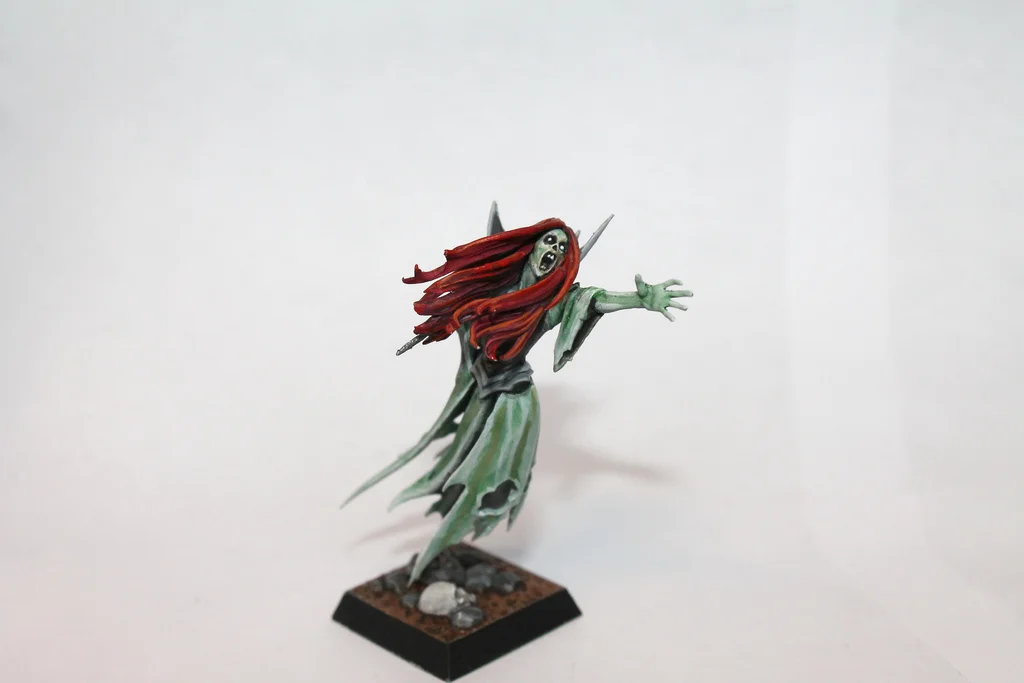
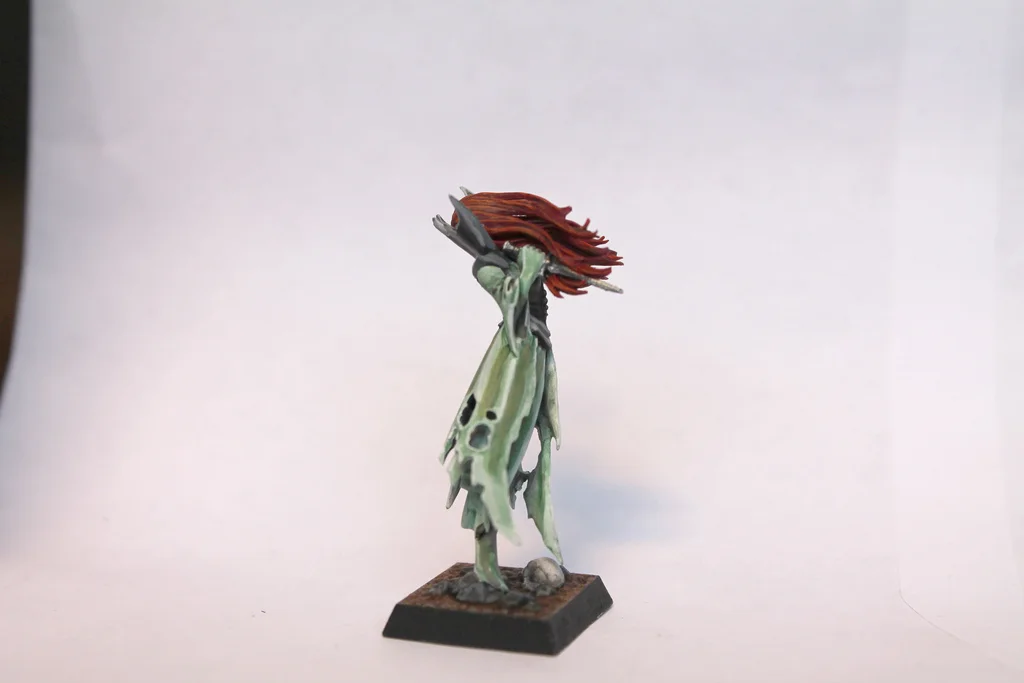
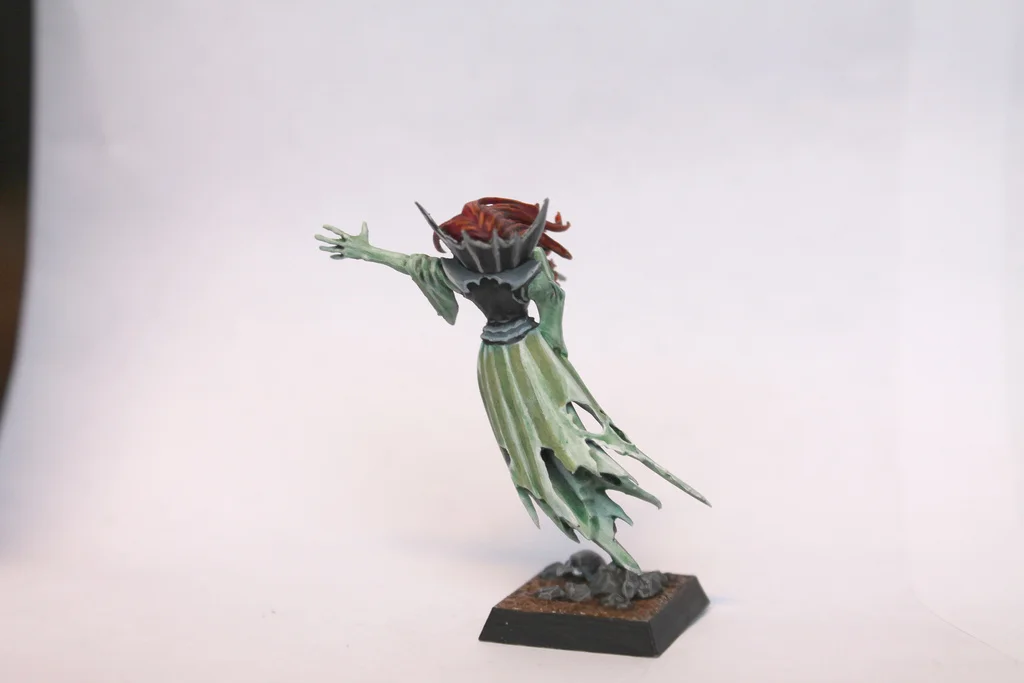
My latest Banshee with a new experimental water technique I tried out and was quite happy with. I will post how I did it in my plog for anyone who's interested

@Yorga: I made that exact same mini, Same gravestone and everything :| That is so weird. Great minds think alike
My latest Banshee with a new experimental water technique I tried out and was quite happy with. I will post how I did it in my plog for anyone who's interested


robtion
Vampire Thrall
@Eyeless: Thanks, I was happy with it.
I would if I could but I'm not sure how to link you to my plog, I am not that computer savvy Anyone that could tell me how, that would be great. For now, it is in the dead shall walk and is called 'an evil forest by the sea'
Also nice wraiths. What is on the blade? Something green and some mud or cloth?
I would if I could but I'm not sure how to link you to my plog, I am not that computer savvy
Anyone that could tell me how, that would be great. For now, it is in the dead shall walk and is called 'an evil forest by the sea' Also nice wraiths. What is on the blade? Something green and some mud or cloth?
@robtion Click: User CP at the top of the page, left side of the page a little down click Change Signature. In the txt box on that page there is an icon next to the Add Image two mountains icon thing. Looks like an Earth with chain links. Go to the first page of your plog, copy the url, and then paste it into the dialogue box the Earth link icon opens. Boom, your plog is linked in your sig. It lets you pick what the text will read for the link next. For example, down in my sig.
Get the word out, homie.
Get the word out, homie.
robtion
Vampire Thrall
@robtion: Nice really epic army mate keep it up, I like it how you managed to include that element of nature to your army =D
Also the that green on the weapon is to represent patina effect, which I think the effect is quite nice.
However I might do rust instead...
Also the that green on the weapon is to represent patina effect, which I think the effect is quite nice.
However I might do rust instead...
